
Screenshots
App details
- Updated
- Jul 11, 2009
- Language
- Spanish,English
- Developer
- Mr. Windows X
- Category
- Mobile
SoftPas in:
This product is also available in the following languages:
About Seven Transformation Pack
Download Seven Transformation Pack – Windows 7 Aesthetic, Visual Style, UI Overhaul, XP Vista Upgrade
Overview
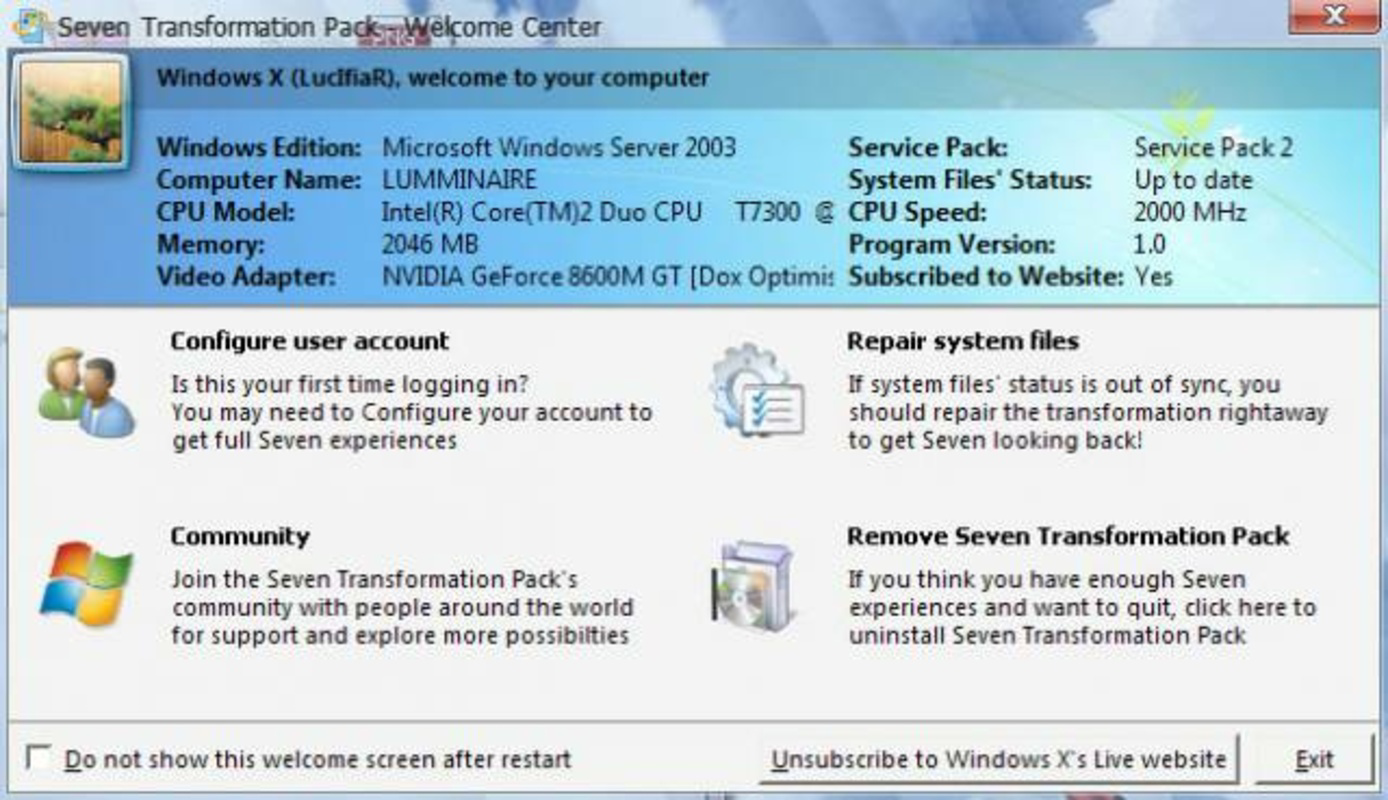
Seven Transformation Pack is a software utility designed to modernize the user interface of older Windows operating systems, specifically Windows XP and Vista. Its primary purpose is to replicate the visual design language of Windows 7, offering users a more contemporary and polished desktop experience without requiring a full OS upgrade. This transformation addresses the aesthetic limitations of legacy systems, bridging the gap between outdated interfaces and the sleek, refined look introduced by Microsoft’s later operating systems.
The app targets users who are still running XP or Vista and wish to enhance their visual environment with a more modern feel. It appeals to individuals who value design consistency, improved usability, and a sense of familiarity with newer UI paradigms. While the developer did not provide additional background details, the tool’s functionality suggests it was created by a dedicated enthusiast or small development team focused on system customization and user experience enhancement.
Real-world use cases include personal computers in home offices, educational institutions, or small businesses still relying on older hardware. In these environments, the pack offers a cost-effective way to improve visual appeal and usability without investing in new systems. Its presence in the software ecosystem underscores the ongoing demand for accessible tools that extend the lifespan of legacy operating systems through aesthetic and functional improvements.
Key Features & Functionality
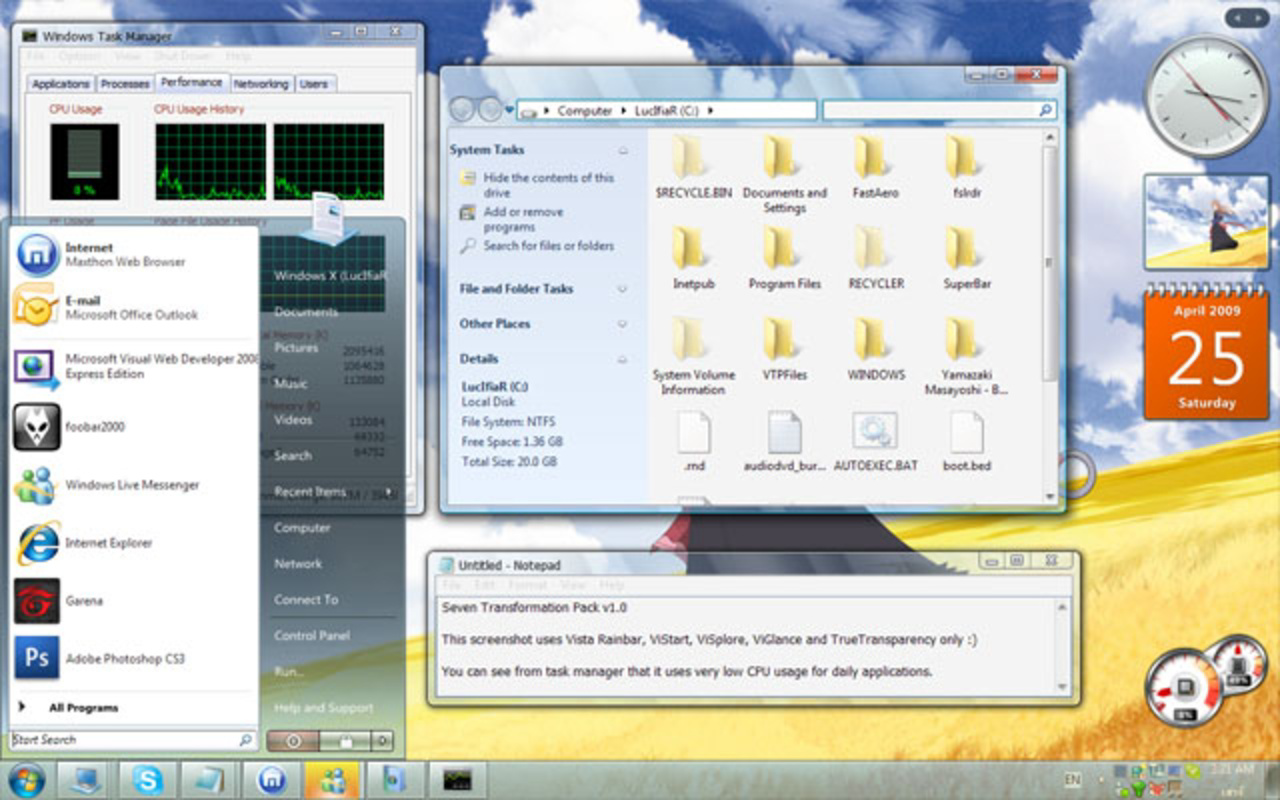
- Full Windows 7 Aesthetic Replication: The pack transforms the visual identity of XP and Vista to closely resemble Windows 7, including taskbar design, window borders, and system icons. This allows users to enjoy a more modern look without changing their underlying OS.
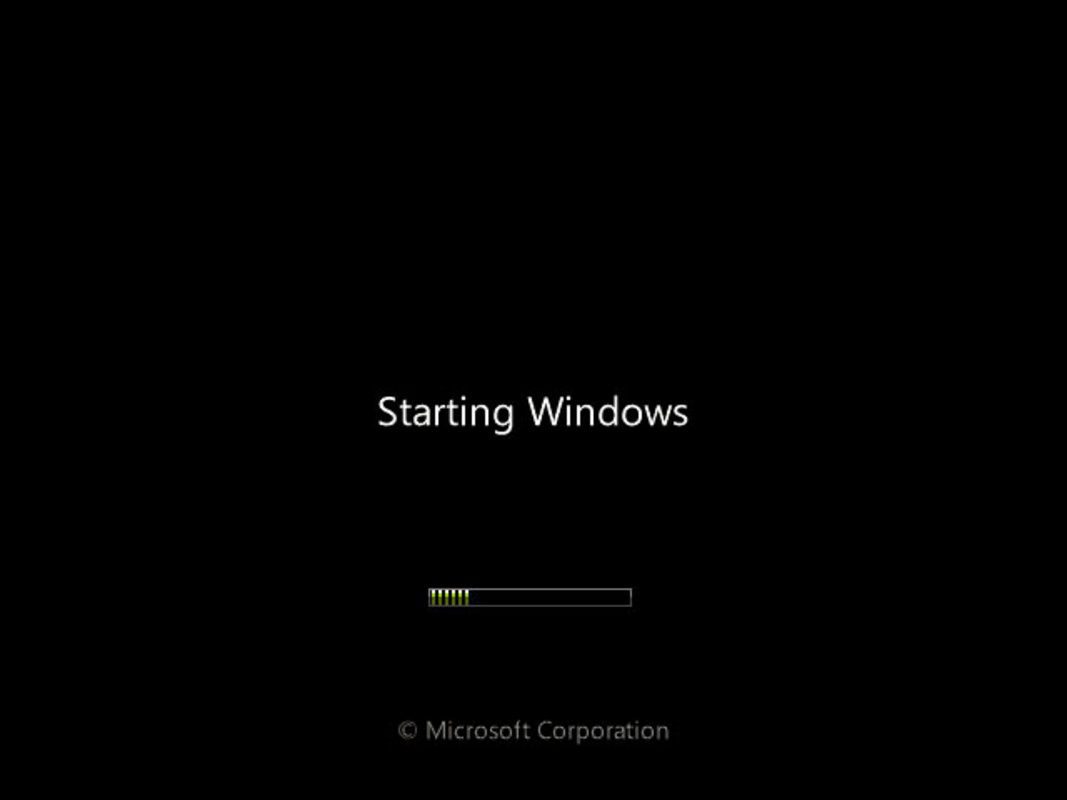
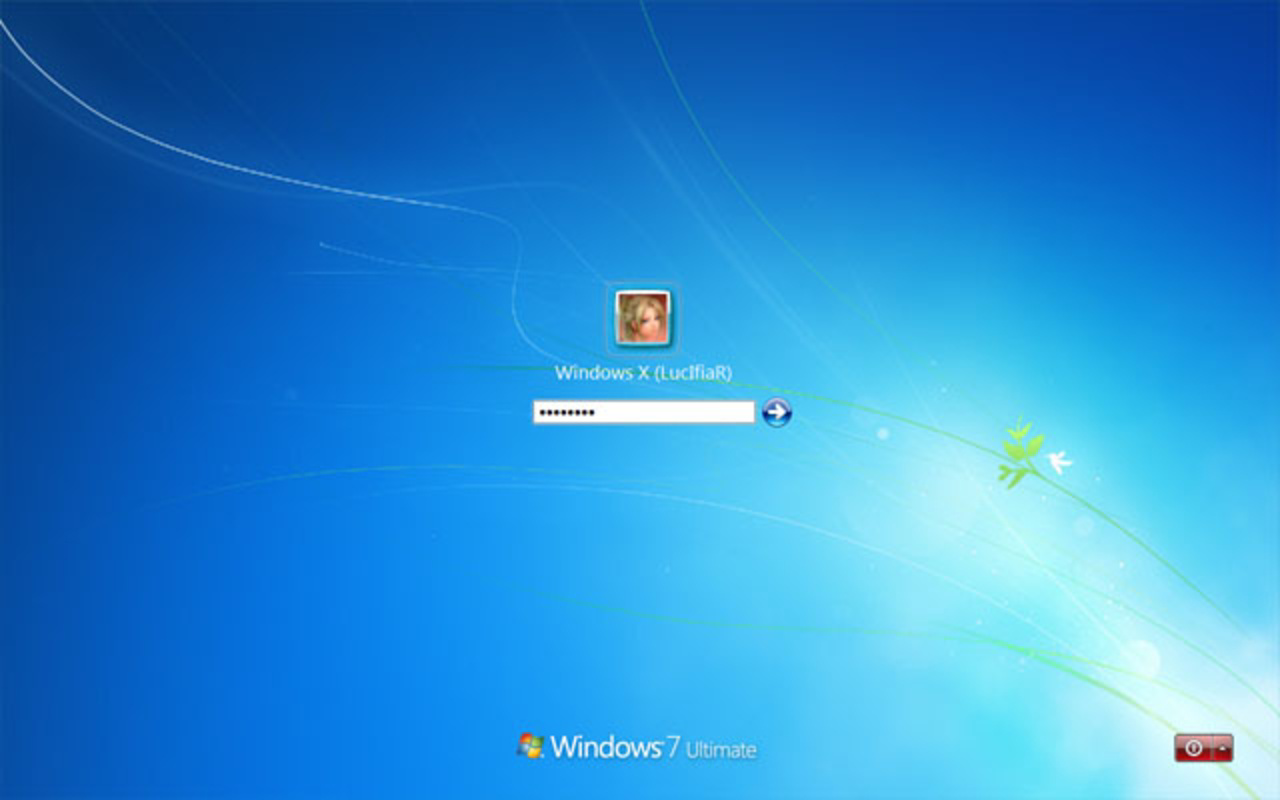
- Startup Screen Customization: Users can replace default boot screens with Windows 7-style animations and visuals, enhancing the initial system impression.
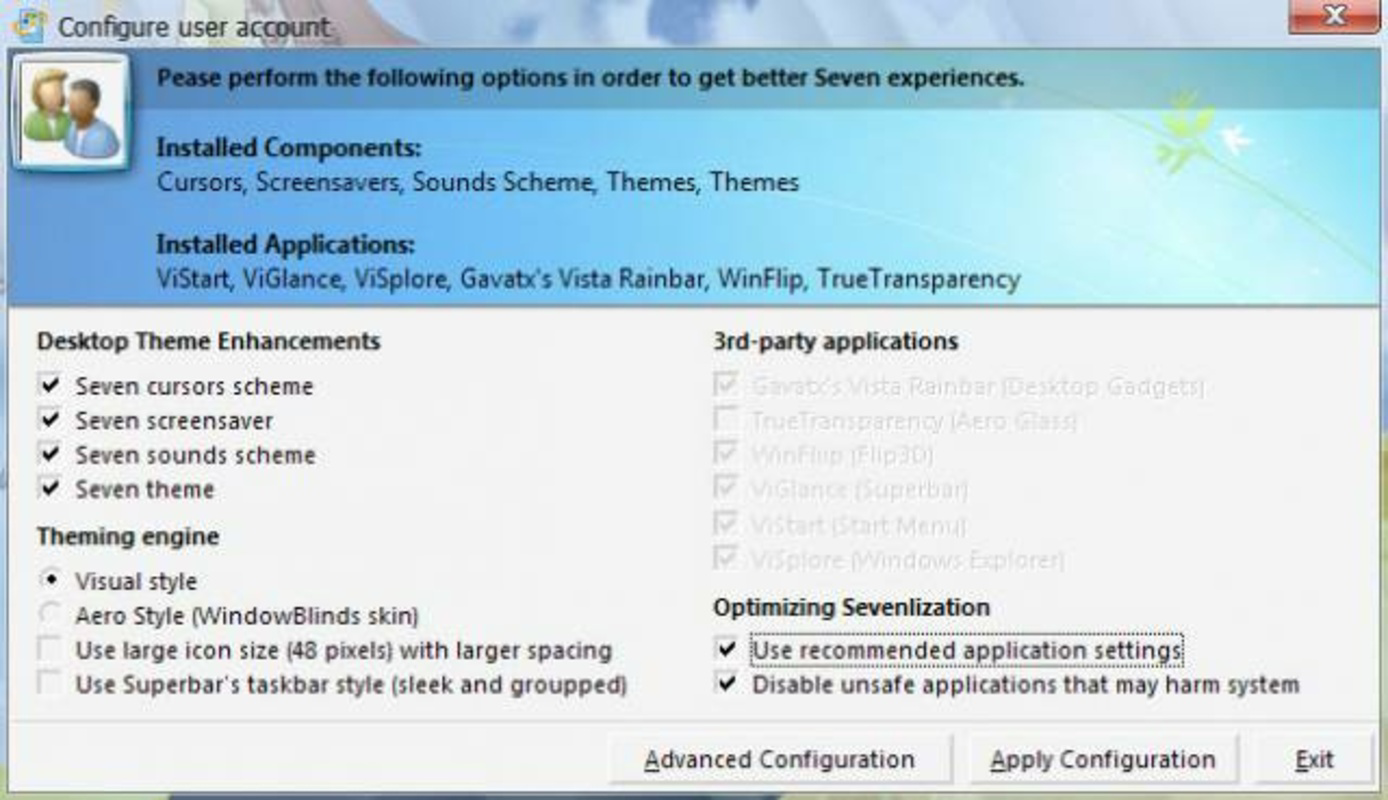
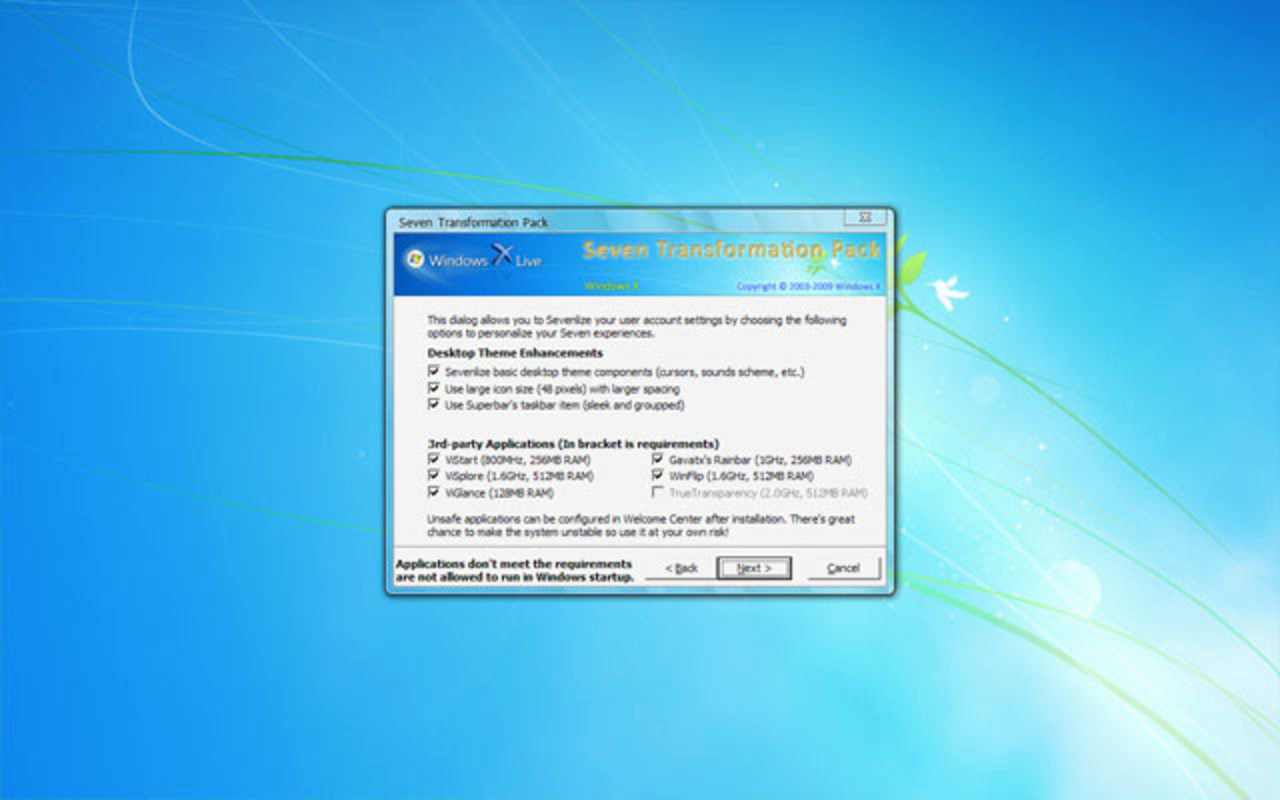
- Third-Party Integration: The pack incorporates tools such as ViStart, ViGlance, and TrueTransparency to enable advanced visual effects like transparency, improved taskbar functionality, and smoother window transitions.
- Comprehensive Personalization Options: Customization extends beyond visuals, allowing users to adjust desktop wallpapers, window sounds, and taskbar behavior to match the Windows 7 theme.
- Automated Installation Process: The setup wizard handles the installation of all necessary components, simplifying the transformation for users of varying technical skill levels.
- System Backup Recommendation: The software includes a built-in reminder to back up critical system files before applying changes, promoting safe usage and system recovery options.
For example, a user running an older laptop with Windows XP can install the pack to enjoy a taskbar with live thumbnails and a more intuitive interface layout, significantly improving daily usability. Similarly, a student using a Vista machine for academic work may benefit from a cleaner desktop environment that reduces visual clutter and enhances focus.
Interface, UX & Performance
The interface of Seven Transformation Pack is designed around a streamlined setup wizard, guiding users through the transformation process with minimal friction. The visual layout emphasizes clarity and simplicity, with step-by-step instructions and clear progress indicators. Navigation is linear and intuitive, making it accessible even to users unfamiliar with system-level modifications.
Although the developer did not list formal performance metrics, the tool is optimized for older systems, suggesting it operates efficiently on machines with limited resources. The installation process is reported to be fast, with minimal impact on system responsiveness during setup. Post-installation, the UI remains responsive, though performance may vary depending on hardware capabilities.
Stability appears to be a priority, as the pack includes a backup recommendation to mitigate risks associated with system modifications. Users are advised to restore their system if unexpected behavior occurs. While no formal testing data was provided, the tool’s long-standing presence in the community indicates a degree of reliability and user trust.
Platform Compatibility & Technical Requirements
Seven Transformation Pack is designed for use on Windows XP and Vista operating systems. The software is compatible with both 32-bit and 64-bit versions of these platforms, though specific compatibility details were not fully disclosed. The file size is approximately 120 MB, which is typical for a software pack containing visual assets, tools, and installation scripts.
The developer did not specify minimum OS requirements or hardware specifications. It is recommended that users ensure their system meets basic operational standards before proceeding. Compatibility information was not fully disclosed, so users should exercise caution when deploying the tool on systems with non-standard configurations.
Pros and Cons
Pros
- Offers a complete visual overhaul to emulate Windows 7 aesthetics on older systems.
- Includes third-party tools to enhance functionality and visual effects.
- User-friendly installation process suitable for non-technical users.
- Provides customization options for personalizing the desktop experience.
- Encourages system safety with a backup reminder before installation.
Cons
- Not compatible with newer Windows versions such as Windows 10 or 11.
- May not function optimally on low-end or outdated hardware.
- Third-party components may require additional configuration.
- Long-term support and updates are uncertain due to the tool’s age.
- Compatibility with modern security software may be limited.
FAQ
Is Seven Transformation Pack safe to install?
The software is generally considered safe when used according to instructions. However, since it modifies system files, users are advised to back up important data before installation.
Can I uninstall Seven Transformation Pack if needed?
Yes, the tool supports removal through standard Windows uninstall procedures. It is recommended to restore system files from a backup if issues arise after removal.
Does the pack work on Windows 10 or 11?
No, Seven Transformation Pack is specifically designed for Windows XP and Vista and is not compatible with newer operating systems.
Do I need to be tech-savvy to use this tool?
No, the installation process is automated and designed to be accessible to users of all skill levels.
Are there any known conflicts with antivirus software?
Some security tools may flag the pack due to its system-level changes. Users are advised to temporarily disable real-time protection during installation if conflicts occur.
Final Thoughts
Seven Transformation Pack delivers a compelling solution for users seeking to modernize the appearance of Windows XP and Vista. While it does not alter the underlying system architecture, its ability to replicate the Windows 7 aesthetic with precision and ease makes it a valuable tool in the realm of system customization. The inclusion of third-party enhancements and a clear installation process adds to its practicality and appeal.
Though developed over a decade ago, the pack remains relevant for users still reliant on legacy systems. It offers a low-cost, high-impact upgrade that improves both visual appeal and usability. For anyone looking to breathe new life into an older machine, this tool provides a reliable and effective way to achieve a more contemporary computing experience.
Download Seven Transformation Pack now
Guides & Tutorials
How to install Seven Transformation Pack
- Click the Download button above.
- Once redirected, accept the terms and click Install.
- Wait for the Seven Transformation Pack download to finish on your device.
How to use Seven Transformation Pack
This software is primarily used for its core features described above. Open the app after installation to explore its capabilities.
User Reviews
No reviews yet. Be the first to share your experience.
You may also like
more
Que no te pillen¡
About !Que no te pillen¡Reviewed by Jason A. BilbreyShow MoreShow Less

3D Combat Zone
About 3D Combat ZoneOriginally released in 1983, 3D Combat Zone immerses players...

666: El día del portal
About 666: El día del portalOn June 6, 2006, Agent P. Stone uncovers a sinister...

80 in 1 Best Flash games
About 80 in 1 Best Flash games 80 in 1 Best Flash games is a collection of 80 fl...

ABYSS SEEKERーーWhat Do You See Deep in The Abyss
About ABYSS SEEKERーーWhat Do You See Deep in The AbyssIn ABYSS SEEKER, players...

ACA NEOGEO THE KING OF FIGHTERS 2002 for Windows
About ACA NEOGEO THE KING OF FIGHTERS 2002 for WindowsTHE KING OF FIGHTERS 2002,...